
This article will show you how to change the username of an installed script. We will use the WordPress installation as an example.
To change the login username inside Softaculous:
- Login to cPanel.
- Find the Software section, then click Softaculous Apps Installer..
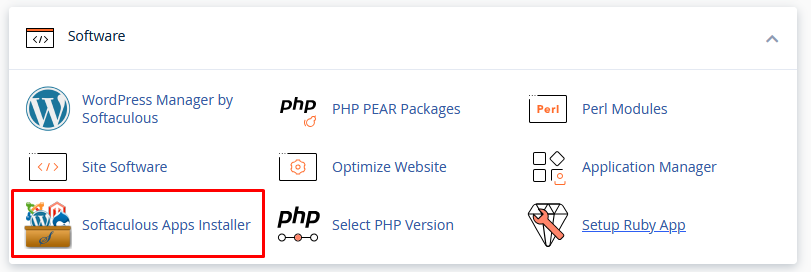
-
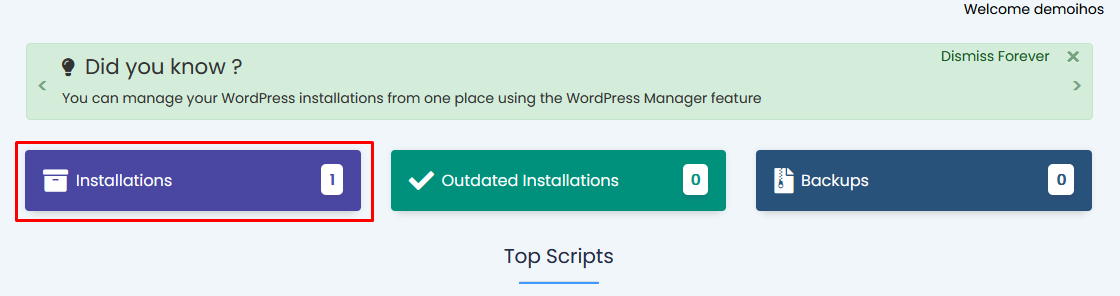
Click on the Installations box.
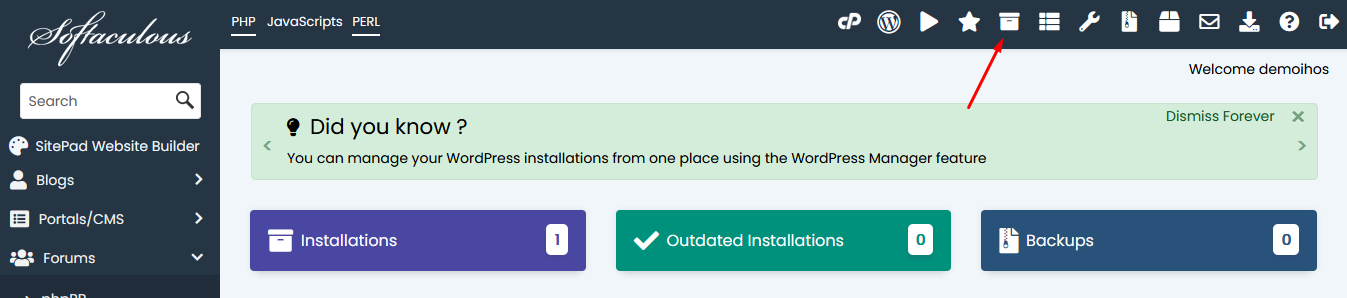
Alternatively, you can also click the All Installations icon located in the upper right corner.
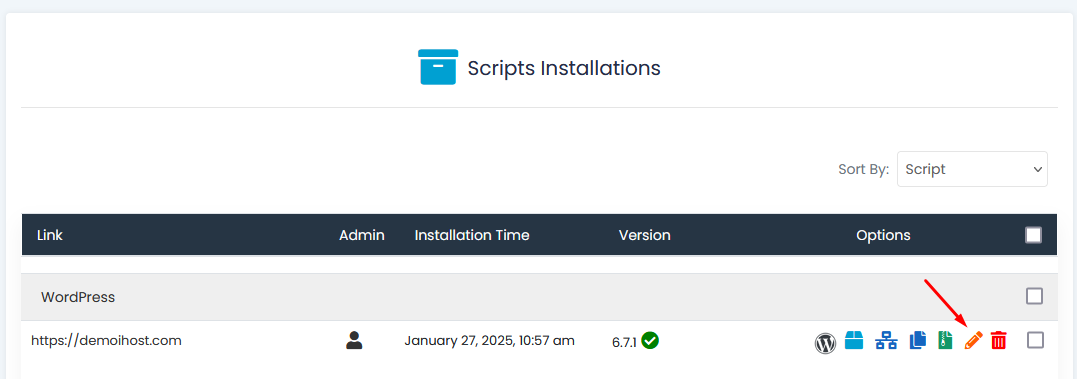
- Find the name of the website below the script you want to edit.
- Click the pencil icon to edit the installation details.
-
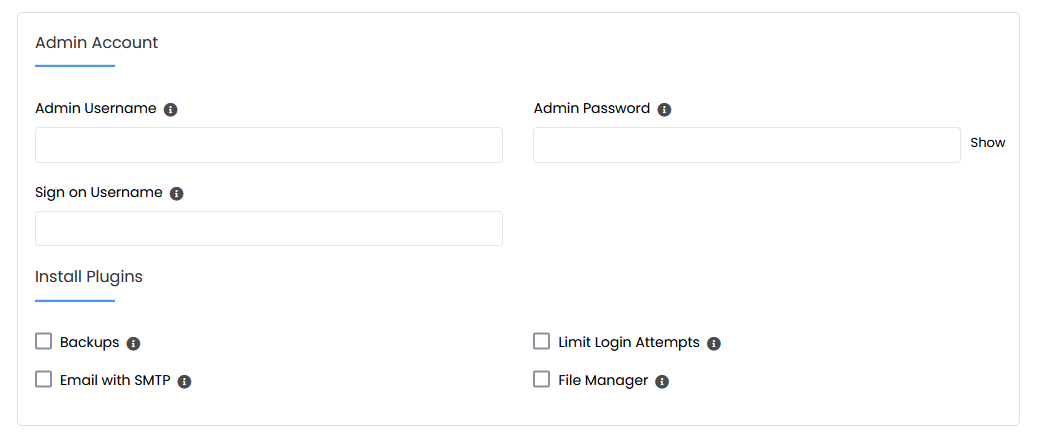
On the Edit Installation page, scroll down to the Administrator Account section.
-
Locate the Login User Name field and enter your preferred login user name.
- Click on the Save installation details button.
Need additional help?
The HOST support team will be happy to help you resolve any errors on your website. Please contact us through Support!
