
You can log in to WordPress in two main ways:
Login from cPanel
1. Log in cPanel.
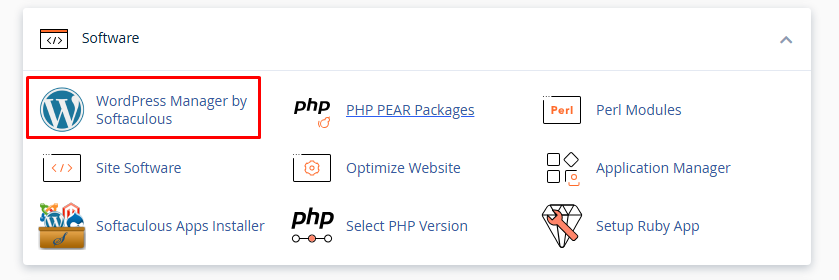
2. Locate the "WordPress Manager by Softaculous" option in the Software section.
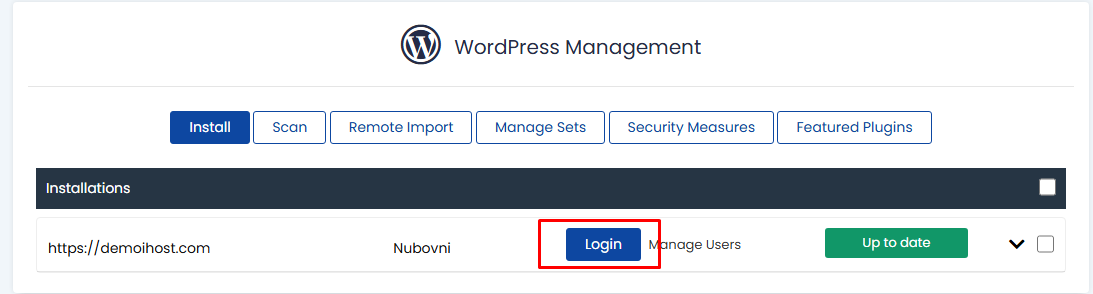
2. You must press the "Login" button on the installation you wish to access.
Login from a Browser
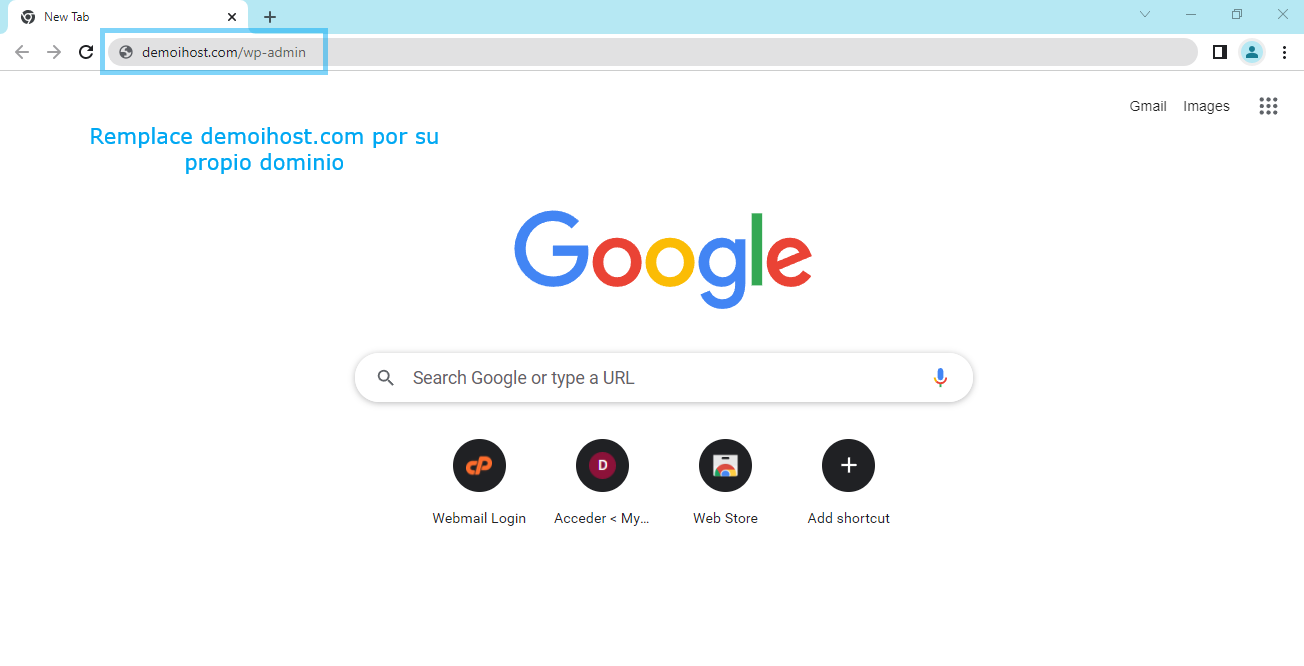
1. Search in your preferred browser for your domain followed by "/wp-admin" or "/wp-login.php", example: "demoihost.com/wp-admin".
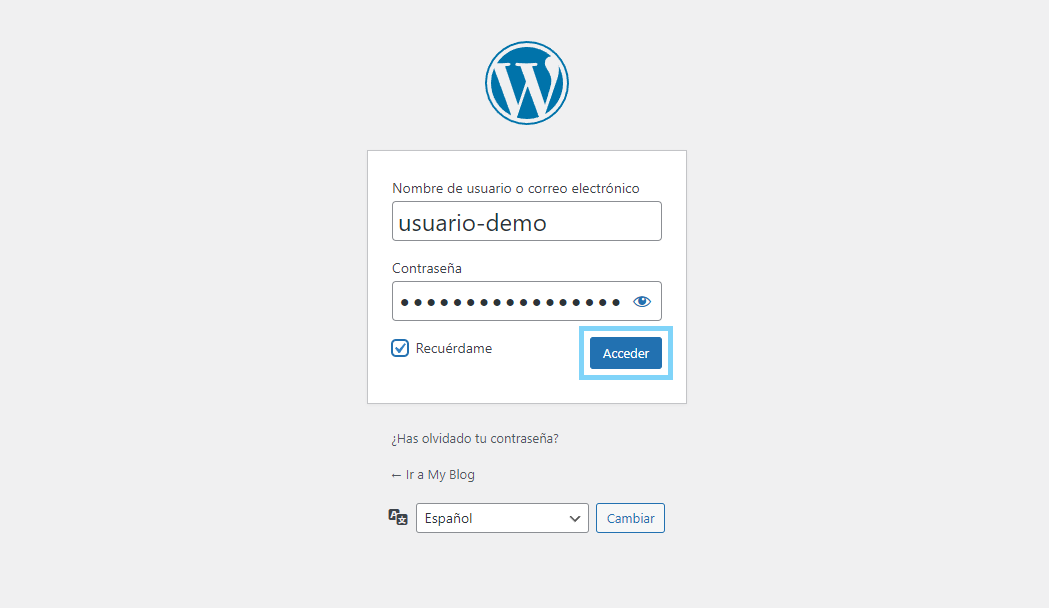
2. Enter your username and password (the ones you created when you installed your WordPress website), press "Login".
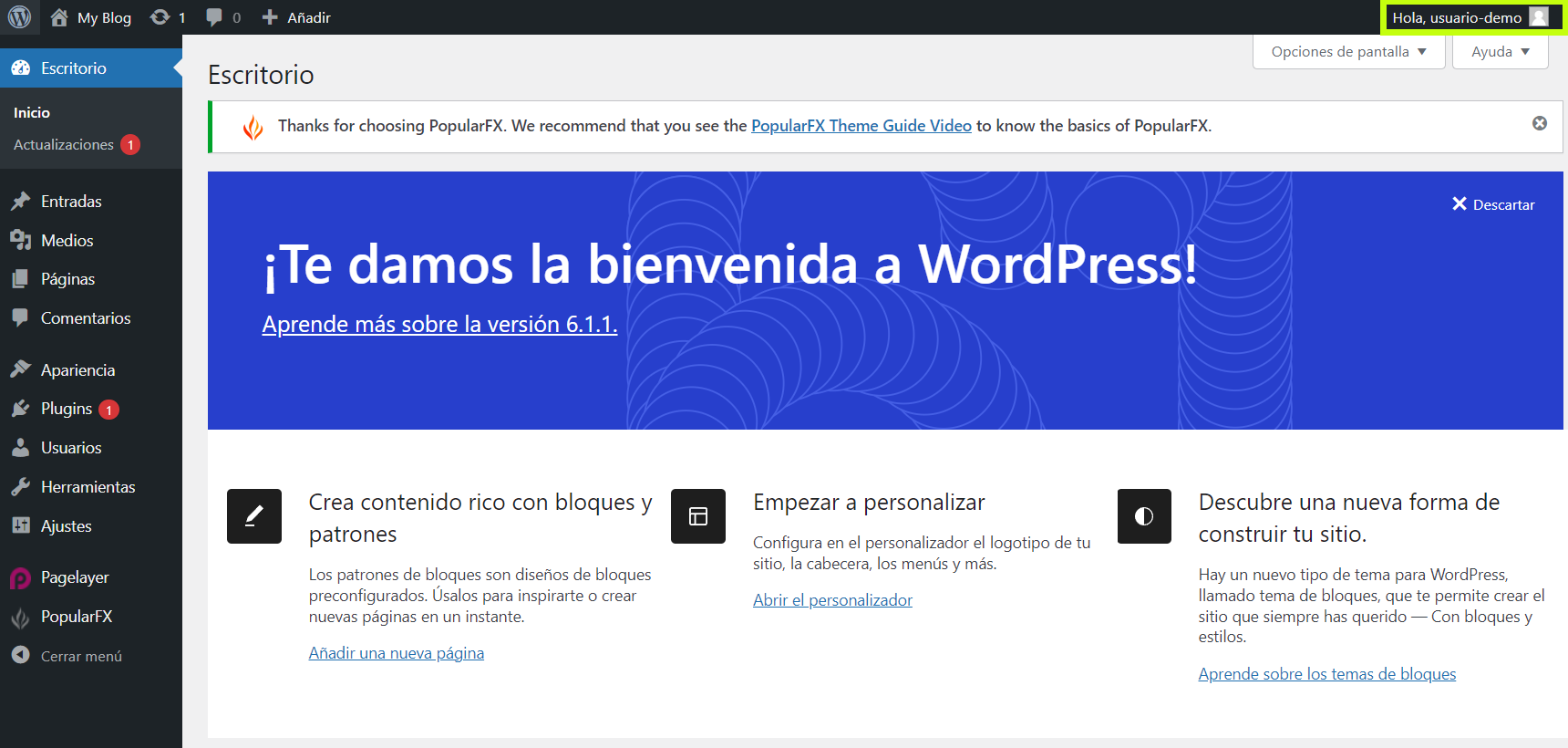
3.To log out of the WordPress administration panel, press the "Logout" option (located in the user options in the upper right corner).
If you still have any queries, questions or doubts, you can write to us for Support Customer Area.
